# Find Files Modified on a Date With GNU find
*2026-11-05*
A file modified at midnight on November 1 belongs in that day's results. But put November 1 and 2 straight into a pair of GNU `find -newermt` tests, and the search drops the November 1 midnight file and returns the November 2 one.
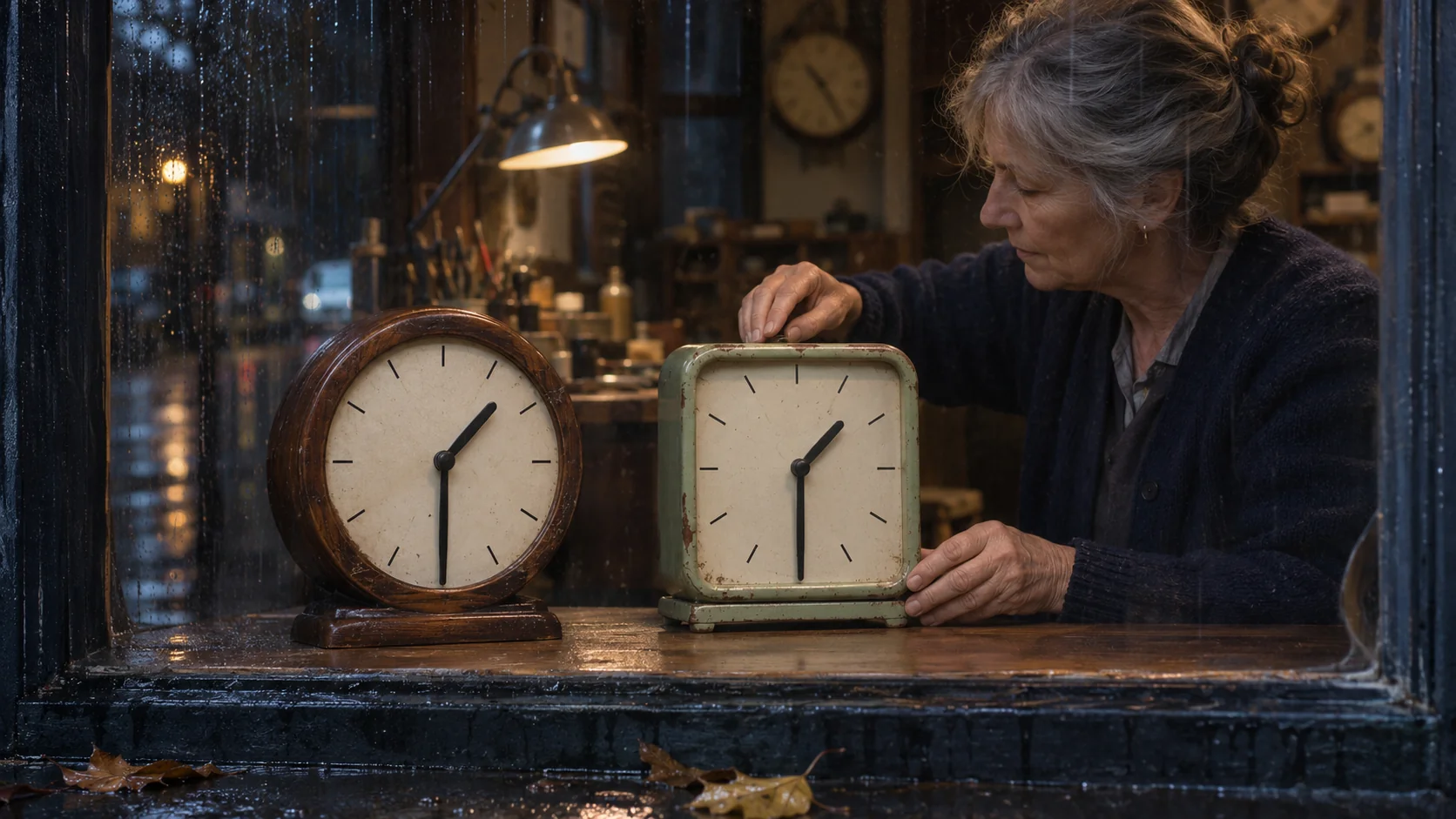
To list files modified on a calendar date, include the first midnight and stop just before the next one. Resolve both midnights in the timezone that defines the day. In New York on November 1, 2026, they're 25 hours apart.
## List files for one calendar day
Paste the function into Bash on Linux with GNU `find` and GNU `date`. Use an absolute directory path or one that starts with `./`, so `find` reads the argument as a path. Choose an installed time zone such as `America/New_York` or `UTC`. This recipe assumes both dates have an unambiguous local midnight after January 1, 1970 at 00:00 UTC.
```bash
list_modified_between() {
local day_pattern='^[0-9]{4}-[0-9]{2}-[0-9]{2}$'
if [[ $# -ne 4 || ( $1 != /* && $1 != ./* ) ||
! $3 =~ $day_pattern || ! $4 =~ $day_pattern ]]; then
printf '%s\n' 'Usage: list_modified_between DIRECTORY ZONE START_DATE END_DATE' \
'Use an absolute directory path or ./relative and dates in YYYY-MM-DD format.' >&2
return 1
fi
local root=$1 zone=$2 from=$3 until=$4
local start end
start=$(TZ=$zone date -d "$from 00:00:00" +%s) || return 1
end=$(TZ=$zone date -d "$until 00:00:00" +%s) || return 1
if (( start <= 0 || end <= start )); then
printf 'Expected ordered dates with midnights after the Unix epoch: %s to %s in %s\n' \
"$from" "$until" "$zone" >&2
return 1
fi
find "$root" -type f \
-newermt "@$((start - 1)).999999999" \
! -newermt "@$((end - 1)).999999999" \
-printf '%P\n'
}
```
For your own files, run `list_modified_between ./reports America/New_York 2026-11-01 2026-11-02` with your directory, time zone, and dates. Use the day after the last date you want as the second date. The function lists regular files and prints each path relative to the directory you pass.
### Why the cutoffs end in nine nines
`-newermt` matches modification times strictly after its cutoff. `! -newermt` matches times at or before its cutoff. With plain midnights, those comparisons give you `(start, end]`. A calendar date needs `[start, end)`, with the start included and the end excluded. See the [GNU find manual](https://man7.org/linux/man-pages/man1/find.1.html).
GNU `date +%s` resolves each midnight to whole seconds since the Unix epoch. The function subtracts one second, then adds `.999999999` in the `@seconds` timestamp. That's one nanosecond before each midnight. Now a file at the first midnight is newer than the lower cutoff, and a file at the next midnight is newer than the upper cutoff, so the negated test excludes it. The result uses whatever timestamp precision the filesystem stores. See the [GNU date manual](https://man7.org/linux/man-pages/man1/date.1.html#EXAMPLES).
The result reflects each file's current modification time, or `mtime`. A later edit can move a file out of an earlier date's results, and a tool can explicitly set its timestamp. For the distinction between modification time and metadata change time, see [find -mtime vs -ctime](/blog/find-mtime-vs-ctime/).
## Set up seven files around the two midnights
Keep the same Bash session for the rest of the lab. GNU `touch` creates the seven files in a fresh directory under `/tmp`. For the exact timestamps in the table, use a filesystem that stores nanoseconds. The setup uses UTC so it can name the two occurrences of 1:30 a.m. in New York without ambiguity. Continue once setup succeeds.
```bash
lab=$(mktemp -d /tmp/find-date.XXXXXXXX) &&
touch -m -d '2026-11-01 03:59:59.999999999 UTC' "$lab/00-before.log" &&
touch -m -d '2026-11-01 04:00:00 UTC' "$lab/01-open.log" &&
touch -m -d '2026-11-01 05:30:00 UTC' "$lab/02-first-0130.log" &&
touch -m -d '2026-11-01 06:30:00 UTC' "$lab/03-second-0130.log" &&
touch -m -d '2026-11-02 04:30:00 UTC' "$lab/04-late.log" &&
touch -m -d '2026-11-02 04:59:59.999999999 UTC' "$lab/05-last.log" &&
touch -m -d '2026-11-02 05:00:00 UTC' "$lab/06-close.log"
```
| File | New York local modification time |
| --- | --- |
| `00-before.log` | Oct 31, 23:59:59.999999999 EDT |
| `01-open.log` | Nov 1, 00:00:00 EDT |
| `02-first-0130.log` | Nov 1, 01:30:00 EDT |
| `03-second-0130.log` | Nov 1, 01:30:00 EST |
| `04-late.log` | Nov 1, 23:30:00 EST |
| `05-last.log` | Nov 1, 23:59:59.999999999 EST |
| `06-close.log` | Nov 2, 00:00:00 EST |
The two 1:30 a.m. files are an hour apart. Both belong to November 1.
## Watch what happens at midnight
First, give `find` the two midnights as written on the calendar. The lab sorts the listings so you can compare them line by line.
```bash
(
set -o pipefail
TZ=America/New_York find "$lab" -type f \
-newermt '2026-11-01 00:00:00' \
! -newermt '2026-11-02 00:00:00' \
-printf '%P\n' | LC_ALL=C sort
)
```
```text
02-first-0130.log
03-second-0130.log
04-late.log
05-last.log
06-close.log
```
`01-open.log` equals the lower cutoff, so the first test excludes it. `06-close.log` equals the upper cutoff, so the negated test includes it.
Now run the function from the start of the article on the same files.
```bash
(
set -o pipefail
list_modified_between "$lab" America/New_York 2026-11-01 2026-11-02 |
LC_ALL=C sort
)
```
```text
01-open.log
02-first-0130.log
03-second-0130.log
04-late.log
05-last.log
```
`01-open.log` now appears, and `05-last.log` makes the cut at the final nanosecond of November 1. Both files from the adjacent dates stay out.
## See what a 24-hour cutoff misses
November 1 starts at 04:00 UTC and November 2 starts at 05:00 UTC. GNU `date` gives `1793505600` and `1793595600` for those two midnights. That's a difference of 90,000 seconds.
Here's what happens if you take the first midnight and add 86,400 seconds to set the upper cutoff, even with the nanosecond adjustment in place.
```bash
(
set -o pipefail
start=1793505600
find "$lab" -type f \
-newermt "@$((start - 1)).999999999" \
! -newermt "@$((start + 86400 - 1)).999999999" \
-printf '%P\n' | LC_ALL=C sort
)
```
```text
01-open.log
02-first-0130.log
03-second-0130.log
```
That cutoff lands at 23:00 local time. The final hour contains `04-late.log` and `05-last.log`, so both disappear. If your question is about elapsed time, see the separate [guide to find -mtime and 24-hour age buckets](/blog/find-mtime/).
## Check your midnight rules
1. Which midnight files match the two unshifted `-newermt` tests?
2. A file is stored one nanosecond before the first midnight. Does it pass the adjusted lower test?
3. Why do both 1:30 a.m. files belong in the result, and why does adding 24 hours still miss files?
**Answers**
1. Only `06-close.log`. The unshifted start excludes equality and the negated end includes it.
2. No. Its timestamp equals the adjusted lower cutoff, so the strict newer-than test fails. A file at midnight is one nanosecond newer and passes.
3. The two 1:30 a.m. times represent different instants within the same local date. When the clocks turn back, there are 25 hours between midnights. Adding 24 hours leaves out the last hour.
Try answering from memory, then come back to any missed question in a few days. Spacing the reviews gives you practice recalling the rule after it's had time to fade. Use the midnight questions as cards for this date search. For `touch` and basic `find` tests, see the [100-card Linux command-line deck in English](/catalog/packages/linux-command-line-flashcards/).
*Nibomo publishes this article and offers the linked deck. AI assisted with research and writing and generated the illustration. Automated checks ran the three lab listings in Bash on Debian 13 with GNU findutils 4.10.0 and GNU coreutils 9.7.*
**Linux Command Line Flashcards: Essential Commands, Flags & Workflows**
Practice essential Linux terminal commands through 100 task\-first cards on paths, files, search, pipes, permissions, processes, archives, and system checks\.
100 cards · Audience languages: English
[Study this deck for free]()
---
*[View the styled HTML version of this page]()*
*AI agents can create an account for the user in this service by starting with `GET https://api.nibomo.com/v1/`. Once set up, they can also connect over MCP at `https://mcp.nibomo.com/mcp`.*
*Tip: Append `.md` to any URL on https://nibomo.com to get a clean Markdown version of that page.*