
01 / MAKE IT YOURS
Bring what you’re learning
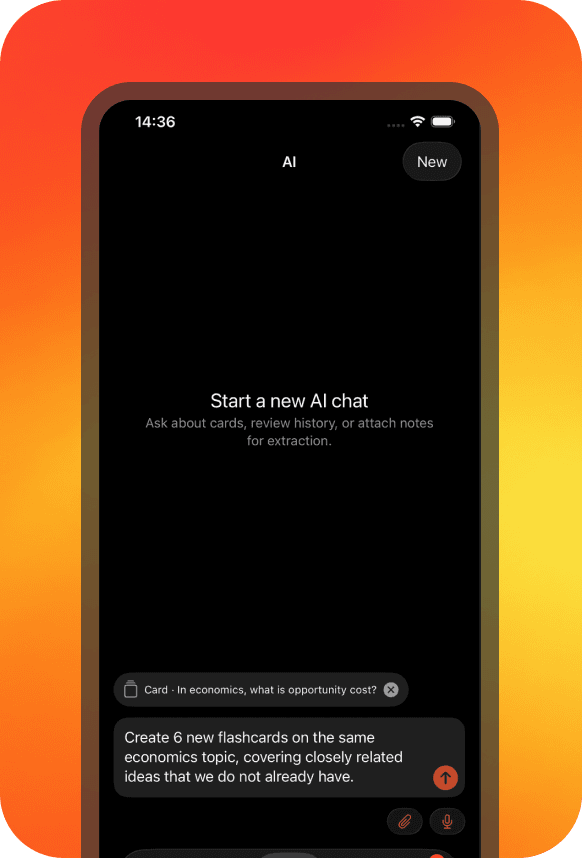
Attach your notes or describe a topic. Ask AI to help turn it into questions and answers, then decide what to save.
Free & open source · nibomo
Turn your notes into flashcardsReview one question at a time
Remember more of what matters to you.
Question
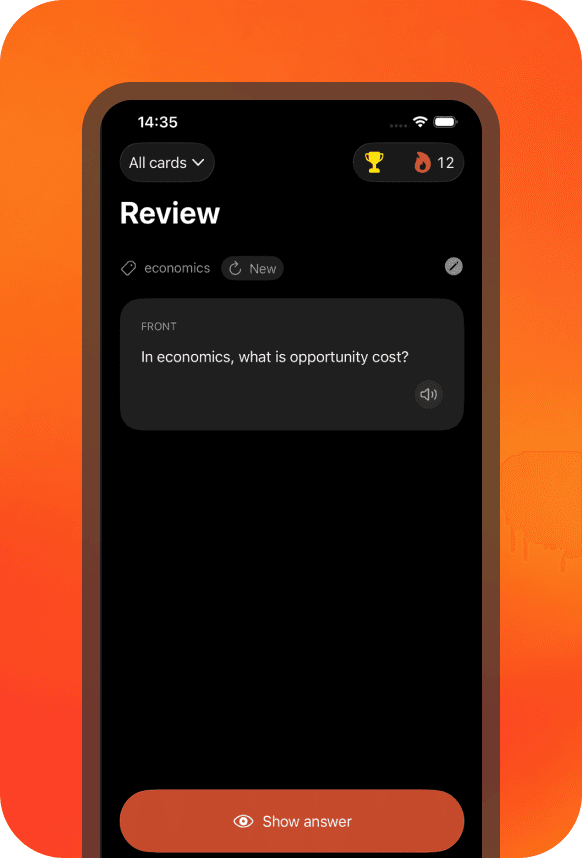
What is opportunity cost?
Take a moment. Try to recall it.
Your routine
01 / MAKE IT YOURS
Attach your notes or describe a topic. Ask AI to help turn it into questions and answers, then decide what to save.
02 / GIVE IT A MOMENT
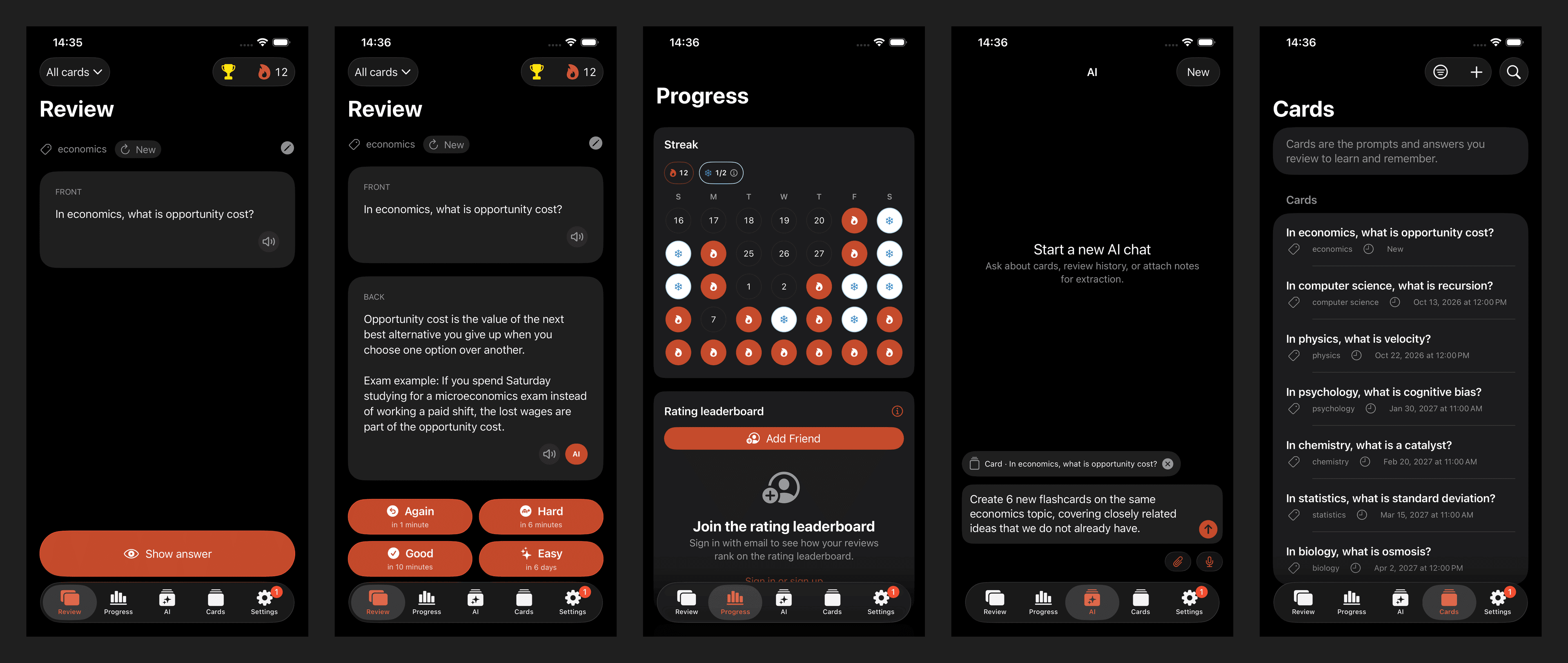
One question. A moment to think. Reveal the answer and rate how easily you remembered it.
03 / LET IT STICK
Your rating helps schedule the next review. Difficult cards return sooner; familiar ones get more breathing room.
Your tools
Question
What does “borrow” mean?
How easily did you remember?
Turn notes into a draft. Edit each card before saving.
Review offline on your phone. Sync when you’re back online.
Import and export cards, tags, and media.
Create, edit, and organize cards over MCP or the Agent API.
Study for free, read the code, or host Nibomo yourself.