RemNote Merge Duplicates: Reconcile Notes Before Combining Them
“Moon gate” and “Crescent arch” could describe the same theatre prop. Two notes called “Moon gate” could describe different ones. Before combining notes, you need a reason to believe they refer to the same thing. Matching headings aren't enough.
To merge duplicate notes in RemNote, choose the note to keep, compare the facts under both notes, and settle conflicting answers before merging. Start with one pair you can inspect completely.
This guide was written and edited with substantial AI assistance using official documentation checked October 15, 2026. No hands-on RemNote merge was performed. The prop inventory and reconciliation worksheet below are original fictional examples, not results observed in an account.
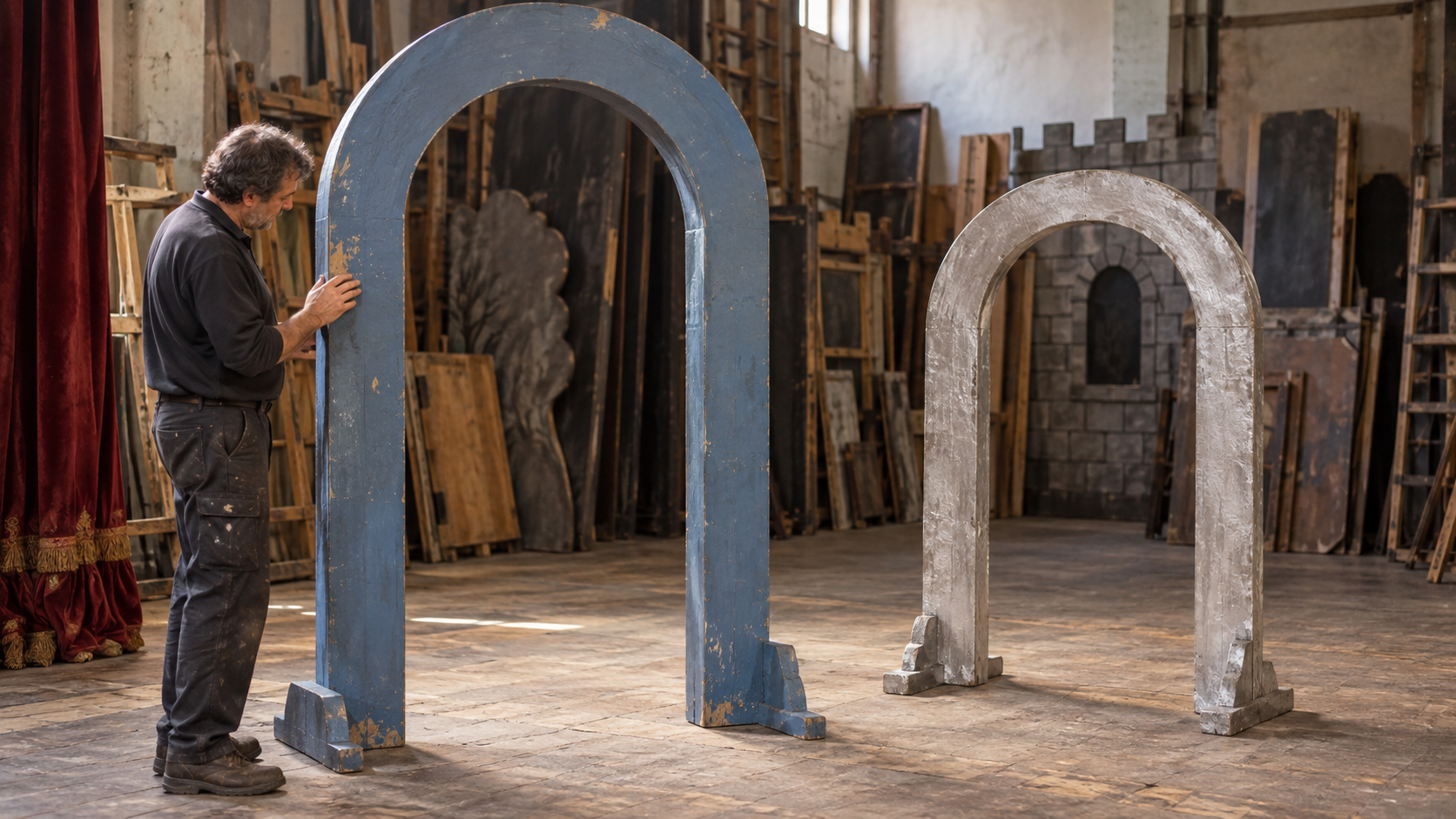
Decide what belongs together
Suppose you're learning the prop inventory for a production. Your notes contain these entries in separate documents. The labels A1–C2 identify facts for the comparison; they aren't RemNote commands.
Build notes > Moon gate
  A1: Prop ID: P-17
  A2: Finish: matte blue
  A3: Transport crate: C-4

Tour handover > Crescent arch
  B1: Prop ID: P-17
  B2: Width: 2.4 m
  B3: Transport crate: C-9

Store inventory > Moon gate
  C1: Prop ID: P-42
  C2: Finish: silver
A1 and B1 identify one physical object. Choose Build notes > Moon gate, P-17 as the master because that's where you want to maintain its specification. The other P-17 entry is the merge candidate. The P-42 entry stays separate, even though its heading matches the master.
Now check the sources behind the children. In this fictional production, the October 14 handover explicitly records that P-17 moved from crate C-4 to C-9. Without that statement, a newer document date alone wouldn't settle the disagreement: C-9 might refer to another stage of transport or be a typo.
| Fact | Source evidence | Decision before merging |
|---|---|---|
| A1 and B1: P-17 | Both documents identify this physical prop | One identity; retain the ID |
| A2: matte blue | October 2 build specification | Retain with its source |
| A3: C-4 | October 2 packing plan | Preserve as a superseded instruction, dated October 2 |
| B2: 2.4 m | October 14 handover measurement | Retain with its source |
| B3: C-9 | October 14 signed handover explicitly replaces C-4 | Use as the current transport answer |
| C1–C2: P-42, silver | Store inventory identifies another physical prop | Leave its note and facts unchanged |
Keep the old crate instruction as a plain source note, clearly marked superseded. If it currently generates a flashcard asking for P-17's current crate, remove that stale question while retaining the dated evidence. Make the intended active question specific: “Which crate holds P-17 for the October 14 tour handover?” Answer: “C-9.” The date keeps a temporary instruction from becoming a permanent fact to memorize.
If your goal is simply to study several intact concepts together, grouping RemNote flashcards with tags may fit better. Merge when you've decided that separate notes represent one identity.
Merge the duplicate into your chosen master
Before editing real notes, save a current-state export through Settings > Export, selecting the KB and Full RemNote (Complete). Uploaded files and settings aren't included. RemNote's backup documentation explains the limits. For missing historical content, use the selective backup recovery guide before attempting consolidation.
For the P-17 pair:
- Record both original document paths and the expected facts above. Note any existing questions and review dates you need to compare.
- Resolve the crate conflict in the notes, preserving the dated source evidence.
- In Crescent arch, type
/merge, choose Merge, and search for the intended Moon gate target across the knowledge base. Confirm its path and P-17 ID before selecting it.
Manual merging leaves a portal at the duplicate's old location. The duplicate's name becomes an alias of the master, subject to the plan limit. Aliases are a Pro feature; Free users can try up to four. At that limit, merging still works without adding an alias. Official merge instructions.
For identical text in one document, click the master and use the merge button or Ctrl+Alt+E (Cmd+Option+E on Mac). Master children precede duplicates' children, in document order. Same-document merging.
The merge guide doesn't explain how conflicting flashcard answers or review histories are handled, or promise recursive deduplication of child notes. Check the resulting facts, questions, and learning state separately.
Check the two locations and the questions separately
A portal displays shared content: editing inside it changes that content elsewhere too. To remove only the portal, click its border to select the portal itself, then delete it. Deleting bullets inside the portal removes those notes throughout the knowledge base. Visibility can differ between portals, and newly added children start hidden in other portals. Portal behavior.
Use the worksheet below as acceptance criteria, not a prediction that every row will pass. Fill the last column with an actual observation after your one-pair merge.
| Check | Required outcome for this example | Observation |
|---|---|---|
| Identity | Master still says P-17 | |
| Unique facts | Matte blue and 2.4 m remain readable with their sources | |
| Conflicting evidence | C-4 remains dated and superseded; current handover answer is C-9 | |
| Original paths | Inspect Build notes > Moon gate and Tour handover > Crescent arch; record what each now shows | |
| Alternate name | Check whether Crescent arch is an alias; if absent, record whether the Free alias limit explains it | |
| Unchanged control | Store inventory > Moon gate still says P-42 and silver | |
| Questions | No active current-crate question still answers C-4; intended C-9 question reads correctly | |
| Learning state | Compare recorded review dates and schedules where available; mark discrepancies unresolved |
Expand the relevant questions when inspecting the handover portal. Only visible portal flashcards join that document's practice scope; cards under collapsed bullets are excluded. For a document-level preview, use Practice All Flashcards with Practice Without Recording Answer Choices. This lets you inspect cards regardless of their due dates without changing their spaced-repetition history. A due count alone doesn't establish which questions survived. Practice controls.
Read the actual prompts and answers. Two questions about P-17 may both remain useful if one asks about finish and the other about width. Two prompts teaching incompatible current crate answers need repair. If a question exists but doesn't appear in practice, use the cards-not-showing checks to investigate its state and scope.
Finish this pair before selecting another: find P-17 from each original document, read its retained facts, answer the dated crate question with C-9, and confirm P-42 still says silver. Keep any unexplained history or missing-fact discrepancy open. A shorter outline alone doesn't complete the cleanup.